
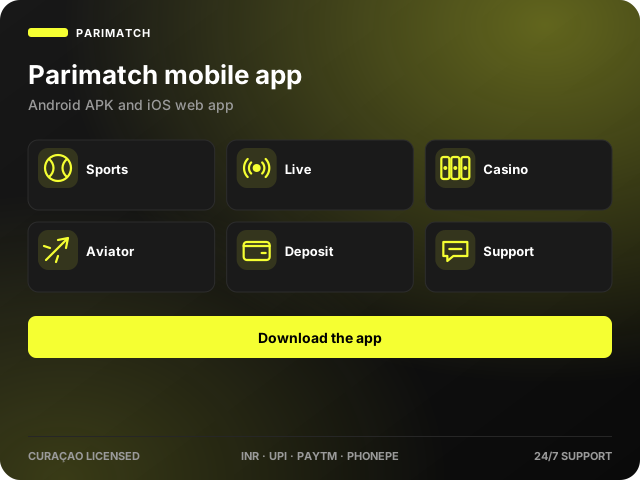
The Parimatch app puts the full sportsbook and casino in your pocket. Android users install a lightweight APK from the official site; iPhone users add a progressive web app from Safari. Both give you live betting, 6,000+ games, UPI deposits and chat support without a desktop.
Parimatch India App: Overview
| Item | Android APK | iOS web app |
|---|---|---|
| Version | 3.x (updated monthly) | Always current |
| Size | About 40 MB | No download |
| Minimum OS | Android 6.0 | iOS 14, Safari |
| RAM | 2 GB recommended | 2 GB recommended |
| Languages | English, Hindi, Bengali | English, Hindi, Bengali |
| Cost | Free | Free |
App Interface and Features
The home screen shows featured matches and quick tiles for Cricket, Live, Casino, Aviator and Promotions. A bottom bar keeps Sports, Live, Bet Slip, Casino and Account one tap away. Odds change colour when they move, and the bet slip supports singles, parlays and systems with cash out.
- Biometric login (fingerprint or Face ID)
- Push notifications for bet settlement and promos
- Live streams and match trackers
- Deposit and withdrawal from the wallet tab
- Chat support inside the app
Pros and Cons of the Mobile App
Pros
- Faster than the mobile site on slow connections
- Same odds, markets and bonuses as desktop
- One-tap login with biometrics
- Works on budget Android phones
Cons
- APK must be sideloaded – not on Google Play
- No native iOS app, web app only
- Updates are manual on Android
Bonus for Installing the App
The welcome package is fully available in the app, and app users regularly receive exclusive free-bet promo codes by push notification. Check the Promotions tab after installing.
How to Download the Parimatch App for Android
Open the official website
Use Chrome on your phone and tap the Android icon in the footer or the Download App banner.
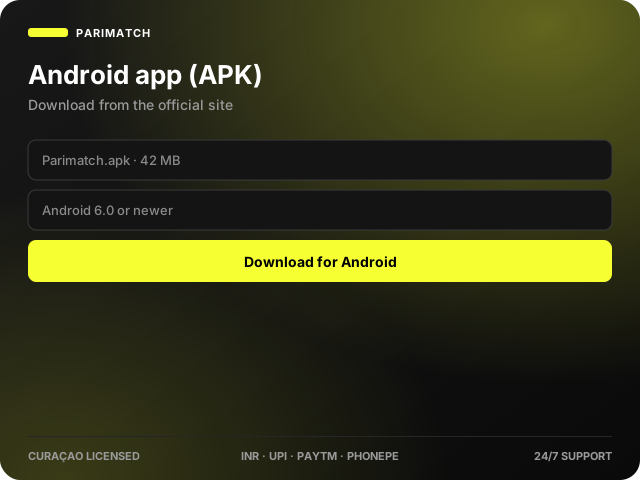
Start the APK download
Accept the browser warning – it appears for any file outside Google Play.
Allow installation from this source
Android will ask for permission the first time. Toggle it on for Chrome.
Install and log in
Open the downloaded file, tap Install, then sign in or register.
Supported Android Devices
The app runs on any phone with Android 6.0 or newer and at least 2 GB of RAM, including Samsung Galaxy A and M series, Xiaomi Redmi and Poco, Realme, Vivo, Oppo, OnePlus and Motorola devices.
How to Add the Parimatch App on iOS
Open Safari
The Add to Home Screen option is only in Safari, not Chrome.
Open the Share menu
Tap the square-and-arrow icon at the bottom of the screen.
Add to Home Screen
Scroll the sheet, tap Add to Home Screen and confirm the name.
Launch the web app
The Parimatch icon opens full-screen with its own session and notifications.
Supported iOS Devices
iPhone 8 and newer, plus any iPad running iPadOS 14 or later.
How to Update the App
The Android app checks for updates on launch and shows a Download update banner. Install the new APK over the existing one; your login stays saved. The iOS web app updates itself every time it opens.
Registering Through the App
Tap Sign Up on the welcome screen, enter your phone number, set a password, choose a welcome bonus and confirm the SMS code. The process is identical to the website – see the registration guide.
App vs Mobile Website
| Feature | App | Mobile site |
|---|---|---|
| Speed on 3G/4G | Faster – assets cached | Loads on every visit |
| Biometric login | Yes | No |
| Push notifications | Yes | No |
| Storage needed | 40 MB | None |
| Markets and games | Identical | Identical |
Payments in the App
Open the wallet from the Account tab. Deposits through UPI, Paytm and PhonePe complete inside your payment app and return you to Parimatch automatically. Withdrawals follow the same flow as the website – full details in the deposit and withdrawal guides.
Support Inside the App
The chat bubble on the Account tab connects to the same 24/7 team as the website. You can attach screenshots directly from your gallery.
FAQ
Is the Parimatch app free?
Yes. Downloading and using the app costs nothing; you only pay for the bets you place.
Why is the app not on Google Play?
Google Play does not list real-money gambling apps in India, so the APK is distributed from the official website.
Is the APK safe?
Only download from the official site link. The file is signed by the operator and scanned before release; never install copies from third-party sites.
Can I use the same account on the app and website?
Yes, one account works everywhere, and your balance, bets and bonuses sync instantly.
Does the app support live streaming?
Yes, streams for selected cricket, football and tennis events are available to logged-in users.
Last updated: